
BREAKING NEWS
Advertise with us >

Google Chrome introduces feature to preserve tab position across devices

Google Chrome

SAN FRANCISCO: Google has introduced a new feature in Chrome that allows users to transfer tabs between devices while preserving the page’s scroll position.

Previously, when users moved a tab from one device to another and opened it, the page would generally load from the beginning.

The new feature saves the tab’s scroll position on the original device and opens it at the same point on the second device.

The feature could be particularly useful for people who start reading long articles on their smartphones and want to continue reading them later on a computer.

Chrome will also preserve partially completed forms, even if users have not yet submitted them.

On computers, users can access the feature by opening Chrome’s three-dot menu, selecting Cast, save and share and then choosing the option to send the tab to another device.

On Android devices, users can access the feature through Chrome’s share menu.
Google Chrome testing new feature to translate PDF files

Google Chrome

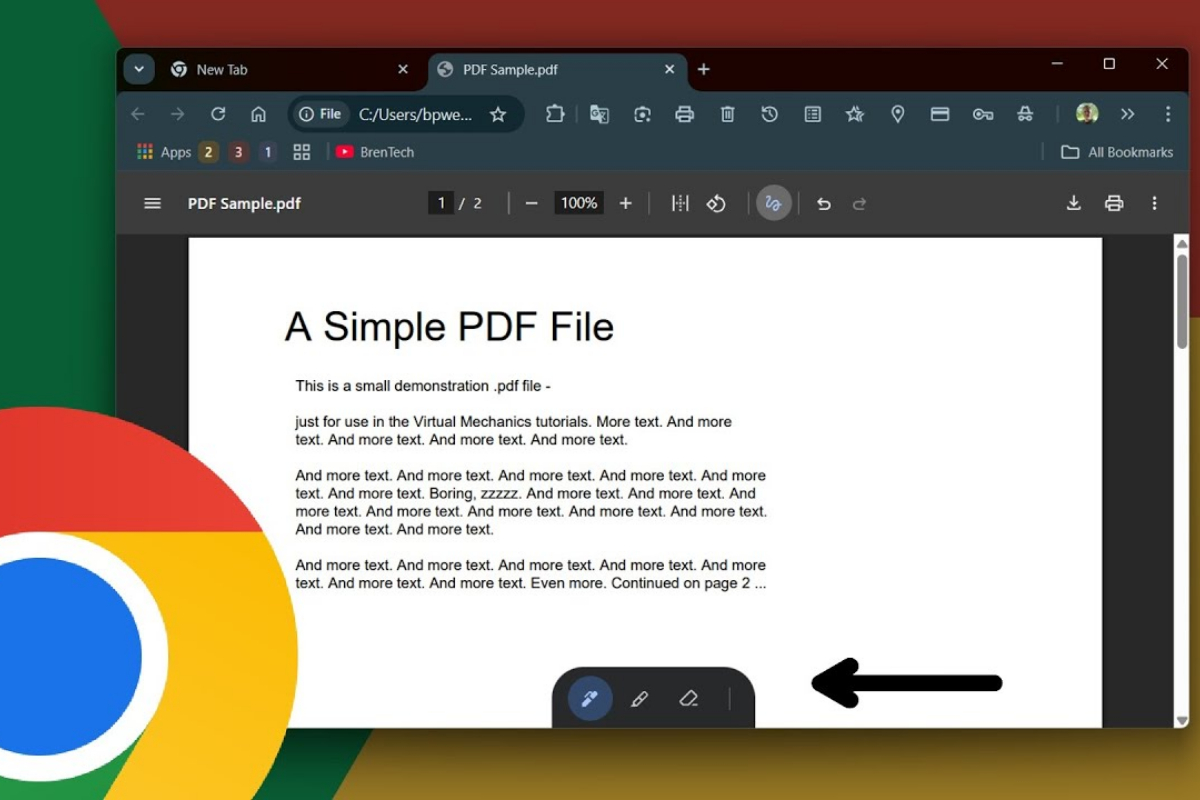
SAN FRANCISCO: Google Chrome is testing a new feature that could make it easier for users to translate PDF files directly within the browser, according to a report.

The PDF translation feature has reportedly appeared in Chrome Canary, an experimental version of the browser, with references indicating that it could be available across desktop operating systems.

The feature is not yet active, so it remains unclear when Google plans to make it available to all Chrome users.

Chrome currently does not offer a built-in option to translate PDF files directly. The new feature would allow users to translate the contents of a PDF into another language without leaving the browser.

According to the report, a “Translate” button could appear in the PDF reading mode, giving users access to the translation feature.

Google has not yet provided detailed information about how the feature will work or when it will be officially released.

Google Chrome 148 to introduce faster browsing

Google Chrome

Google is set to roll out a significant update to its Chrome web browser. According to reports, Chrome version 148 is expected to be released in mid-April, promising faster and more efficient browsing for users.

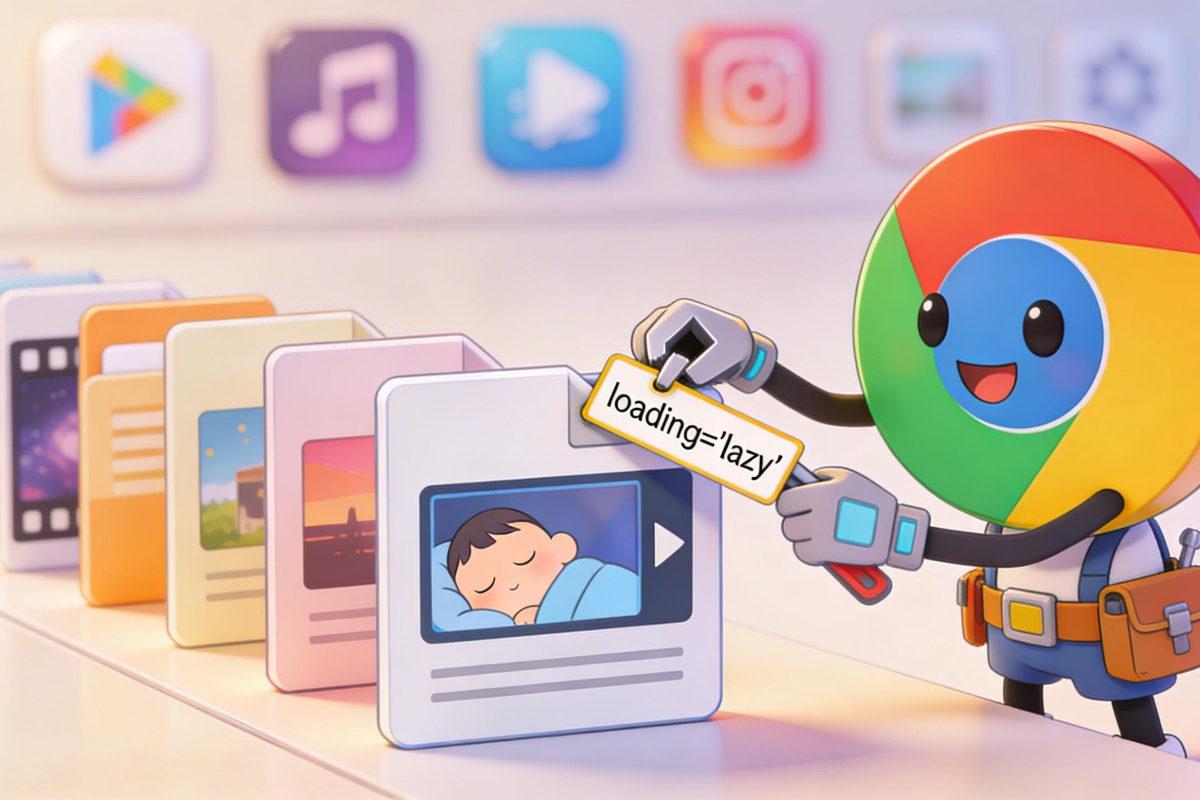
One of the key features being tested in this update is lazy loading for videos and audio. Lazy loading is a technology that delays the loading of non-essential or off-screen resources until they are needed. This improves page load performance and reduces bandwidth usage.

Currently, Chrome supports lazy loading for images, which means that images on a webpage load only when they come into view, rather than loading all at once.

The upcoming extension to videos and audio will ensure that these media files load only when required, helping pages load more quickly.

The update will be available across Chrome’s desktop version as well as Android and iOS devices, providing a smoother and more responsive browsing experience across platforms.